


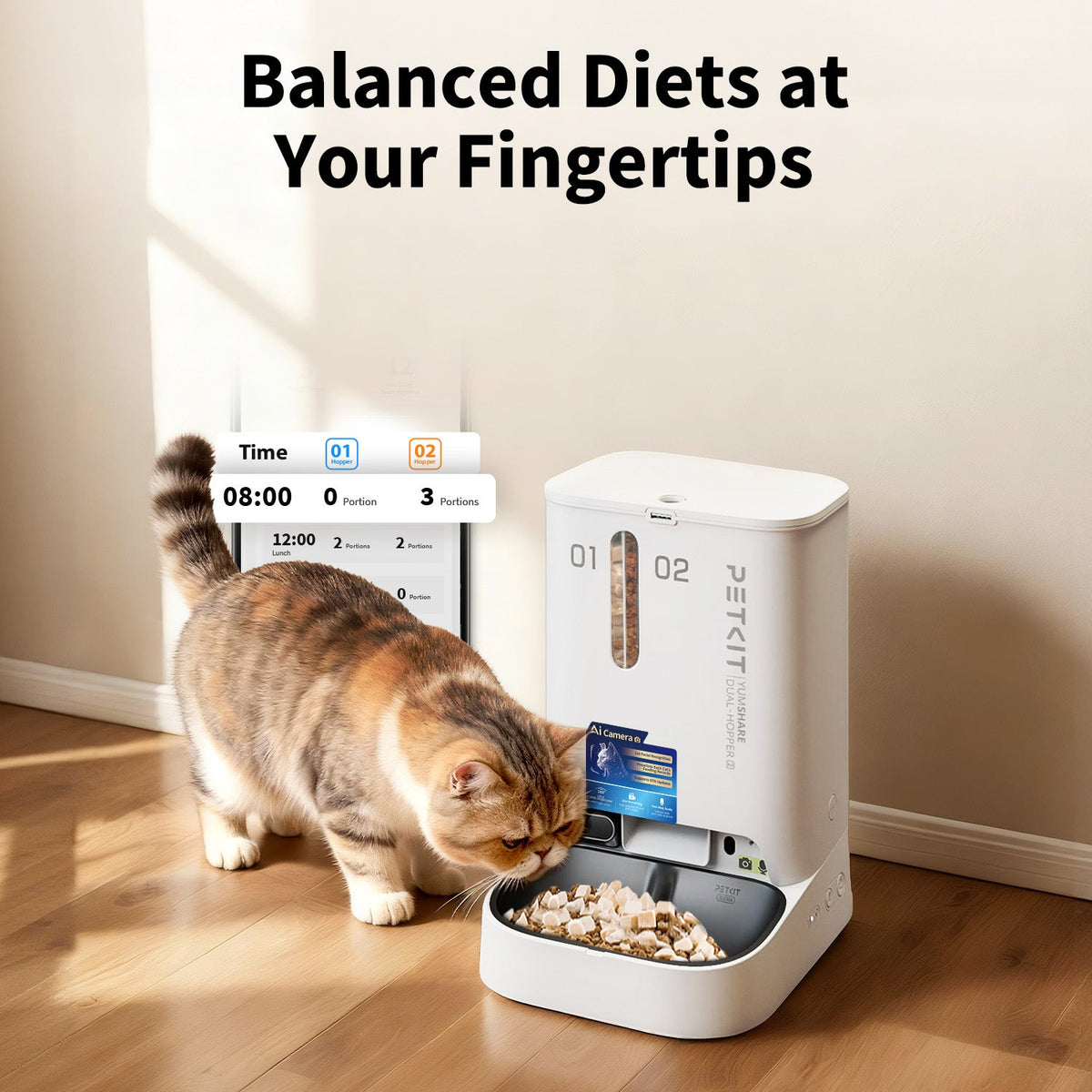

Two food compartments. One organised feeding routine.
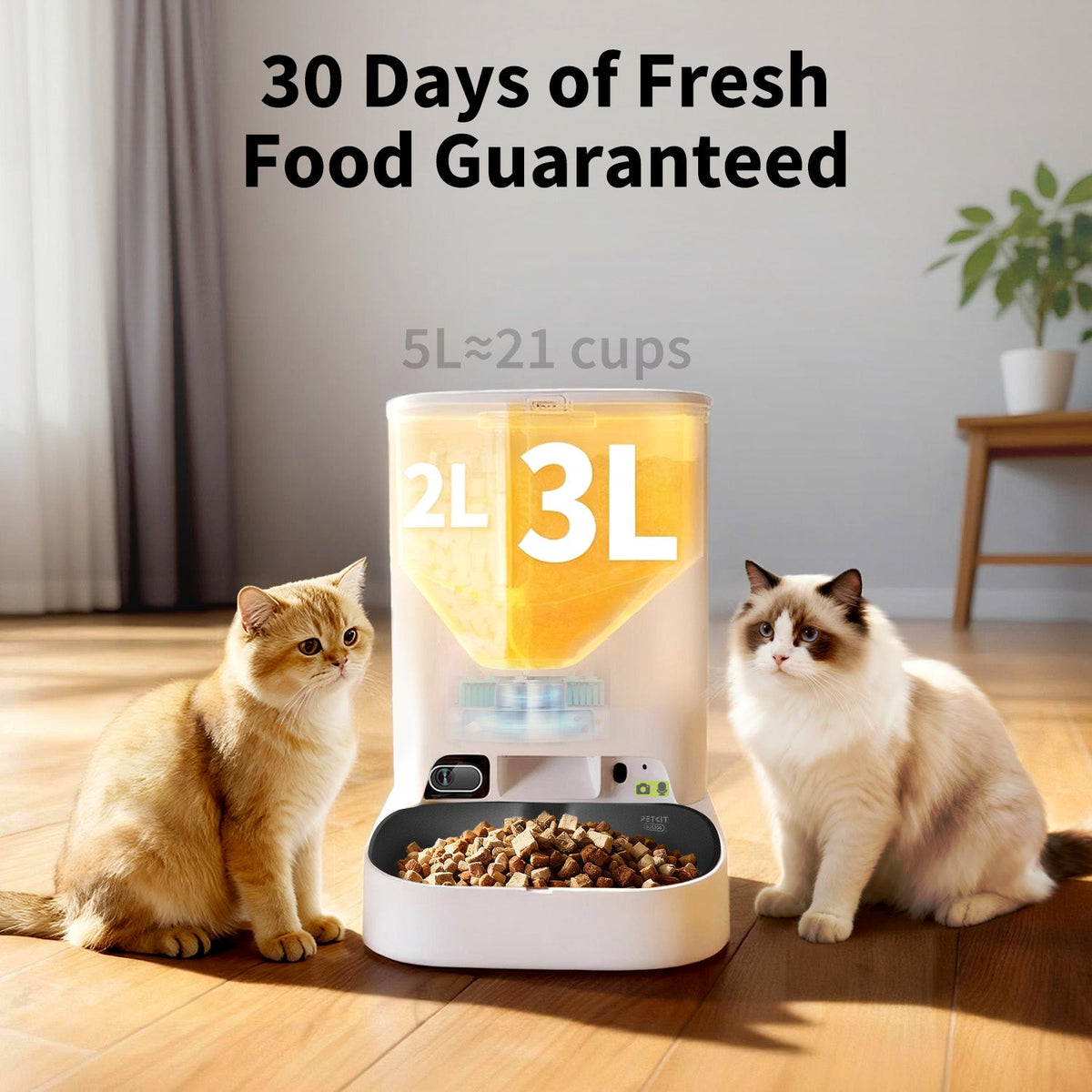
PETKIT YumShare Dual-Hopper 2 combines a 5 litre dual food hopper, a camera and PETKIT App scheduling. Keep two suitable dry-food options in separate compartments, set meal routines and use supported camera functions to check the feeding area.
- 5 L total storage
- 2 L + 3 L compartments
- Camera and app scheduling
Keep two food options separate
The 2 litre and 3 litre compartments let you store two suitable foods independently. Create a schedule for the selected hopper and check the actual amount dispensed before settling on a routine. Use kibble up to 12 mm and suitable freeze-dried pieces up to 9 mm, as specified in the manual.

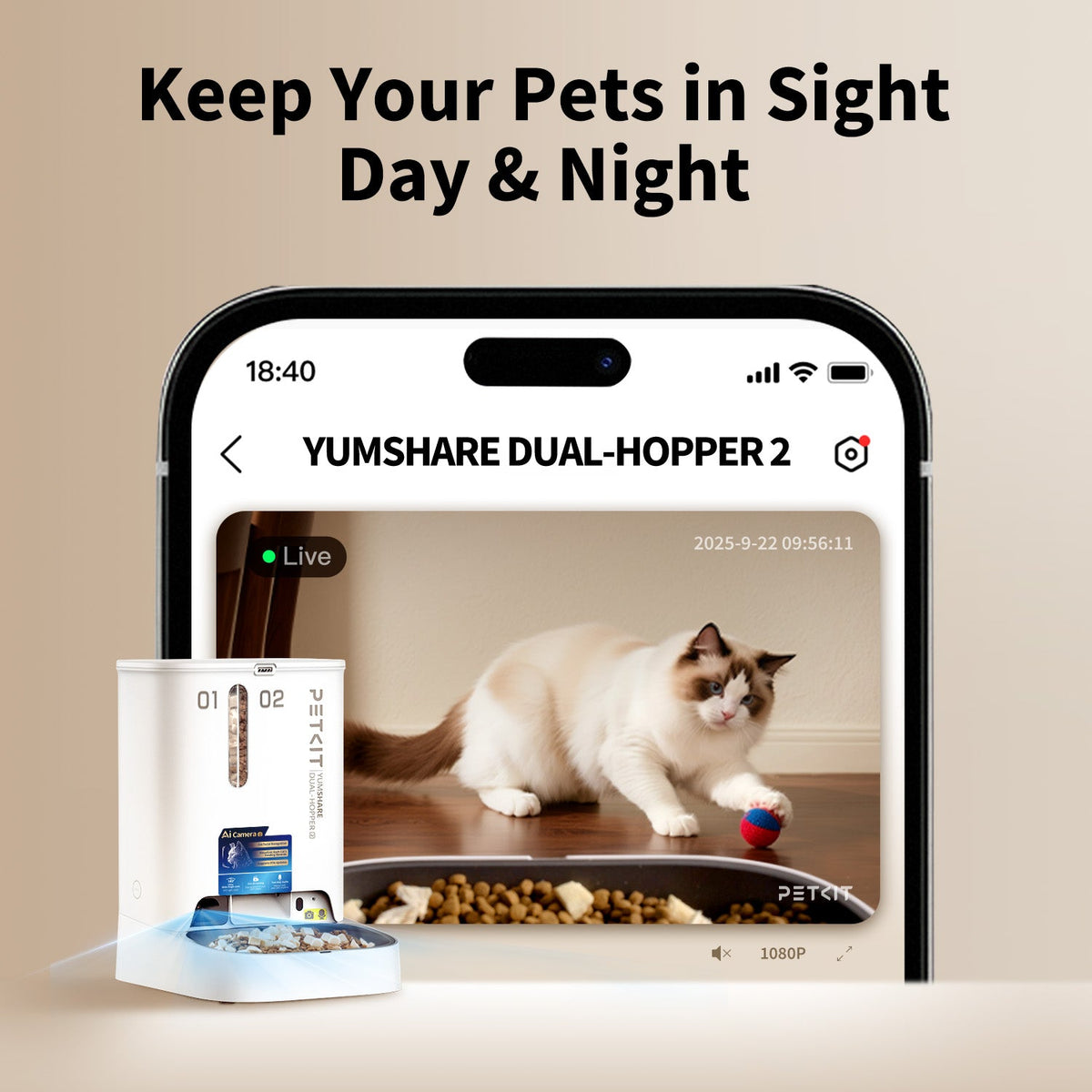
See the feeding area through the app
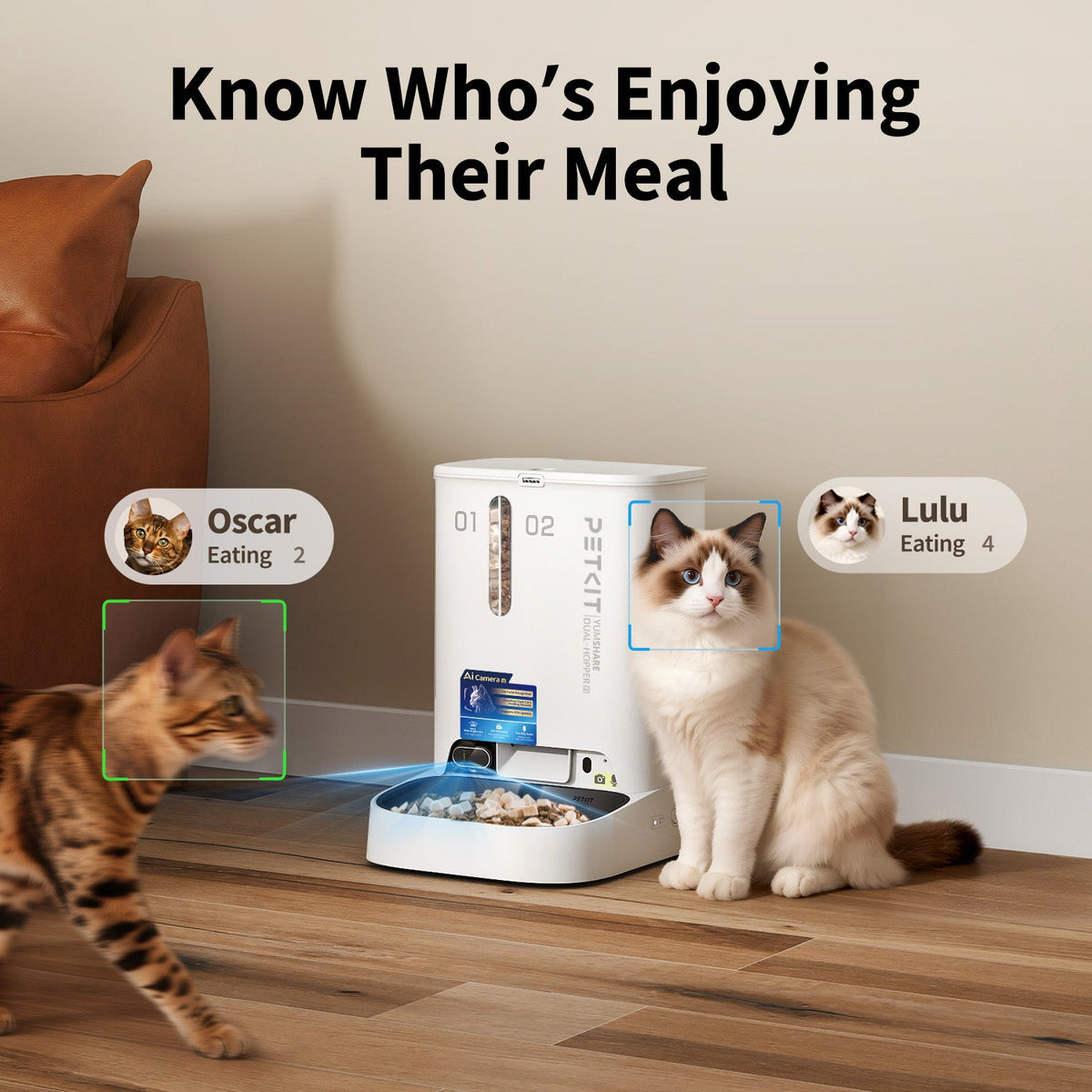
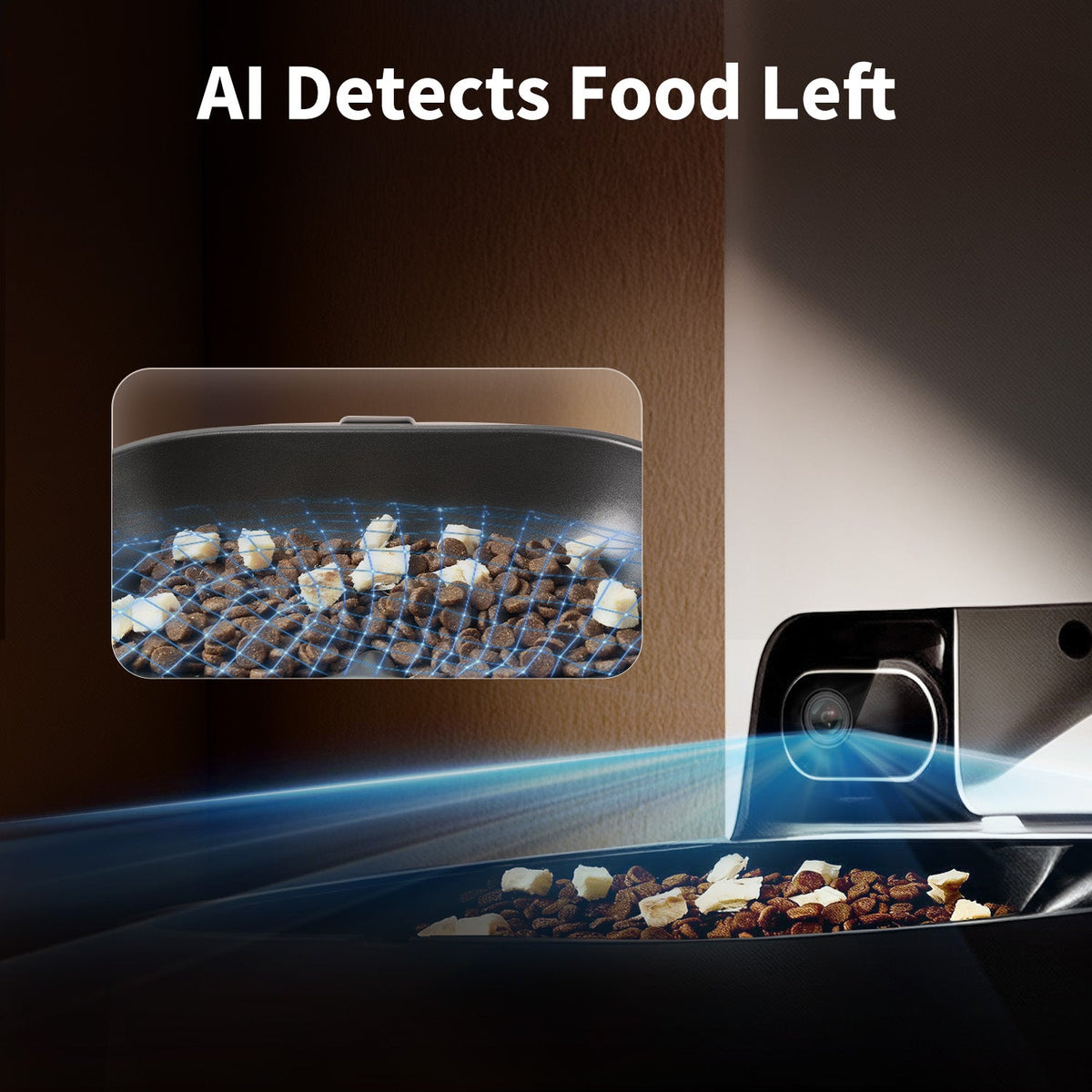
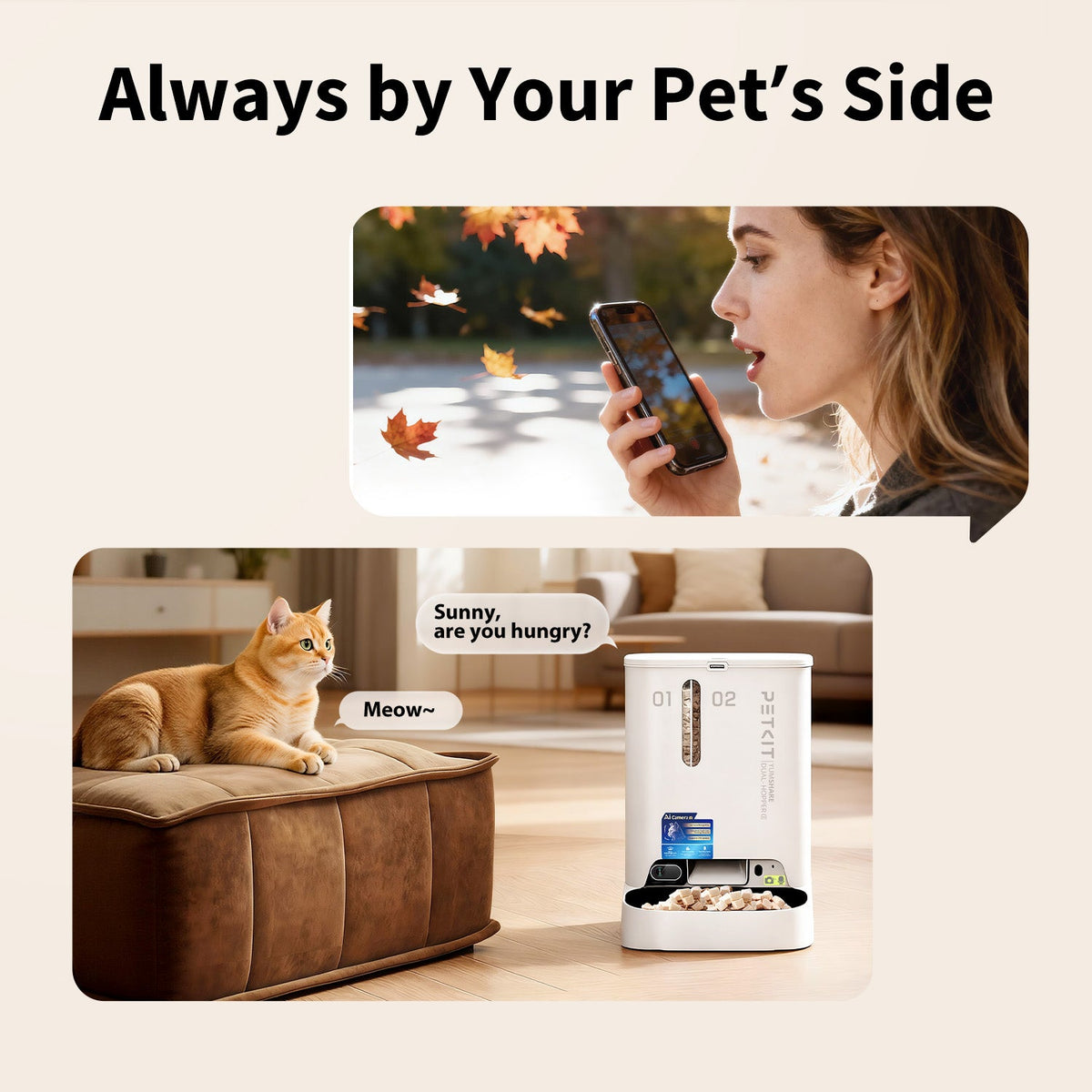
The integrated camera supports live viewing and available feeding-activity functions in the PETKIT App. Pair the feeder with a supported 2.4 GHz or 5 GHz Wi-Fi network and keep the camera lens clear. The unit’s camera and app functions depend on power, connectivity and current service availability.

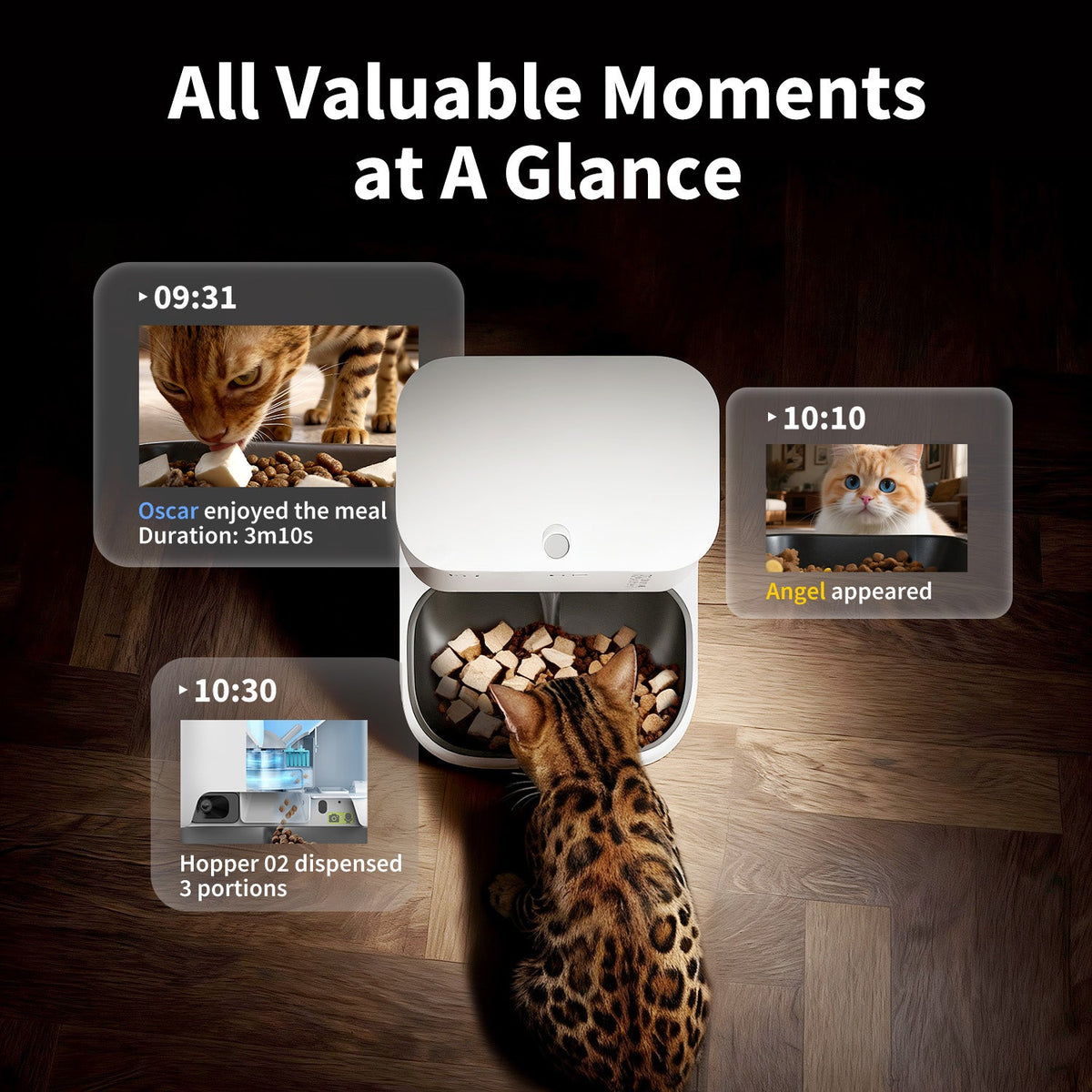
Review available meal records
The app can bring supported feeding events and camera records together. Video replay and some cloud storage or AI features require a PETKIT Care+ subscription; check the current app plans and regional availability. Feeding records help you review device activity and are not a veterinary assessment.

Specifications and pack details
| Model | P592 · YumShare Dual-Hopper 2 |
|---|---|
| Food storage | 5 L total: 2 L + 3 L |
| Dimensions | 362 × 293 × 247.5 mm |
| Weight | Approximately 2.5 kg |
| Materials | ABS and 304 stainless steel |
| Wi-Fi | 2.4 GHz and 5 GHz |
| Rated input | 6 V, 2 A |
| Food guidance | Kibble up to 12 mm; suitable freeze-dried pieces up to 9 mm |
| Optional backup | Four D alkaline batteries, purchased separately |
| Suitable pets | Cats and small-breed dogs |
What’s in the box
One main unit with dual hopper, stainless steel food bowl, power adapter, desiccant and user instructions. Backup batteries and a screwdriver are not included.
Getting started
- Place on a level surface, secure the hopper and fit the stainless steel bowl. Connect the supplied power adapter.
- Add suitable food below the MAX lines and fit the lid. Install the sealed desiccant in its compartment. If using backup batteries, follow the polarity and alkaline-battery guidance.
- Add YumShare Dual-Hopper 2 in the PETKIT App, complete pairing and test dispensing from each hopper. Keep the hopper partition in place while food remains inside.
Cleaning and care
Disconnect power before disassembly. Clean the removable food-contact parts and dry them fully before refitting. Keep the electrical main unit dry, wipe the camera lens gently and check the outlet and food levels regularly.
Common questions
Is this the original P591 Dual-Hopper?
This page is for generation 2, model P592. Accessories and instructions should be matched to this version.
Are all camera features included without a subscription?
Video replay and certain cloud storage or AI functions require a paid plan. Check the current PETKIT App for the features included in your region.
Will the camera work on backup batteries?
Backup power has reduced functions. Follow the manual’s battery-mode guidance and use the supplied adapter for full camera and connected operation.
Product instructions
Official YumShare Dual-Hopper 2 manual · P592 (PDF)